
Please always download the latest Linux software from our website for the best results.
If our Linux driver is not compatible with your system, please contact customer support. Thank you.
For Model BT320 - Please visit www.labelrange.com > DOWNLOAD > find “BT320LabelRangePrinter Linux DriverSoftware” and download it to your computer. Find the downloaded file, extract it, and then open it. You will see the driver software.
For Model BT620 - Please visit www.labelrange.com > DOWNLOAD > find “BT620LabelRangePrinter Linux DriverSoftware” and download it to your computer. Find the downloaded file, extract it, and then open it. You will see the driver software.
For Model LP320 - Please visit www.labelrange.com > DOWNLOAD > find “LP320LabelRangePrinter Linux DriverSoftware” and download it to your computer. Find the downloaded file, extract it, and then open it. You will see the driver software.
For Model LP620 - Please visit www.labelrange.com > DOWNLOAD > find “LP620LabelRangePrinter Linux DriverSoftware” and download it to your computer. Find the downloaded file, extract it, and then open it. You will see the driver software.

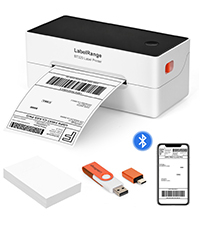 BT320 BLUETOOTH LABEL PRINTER
  BT620 BLUETOOTH LABEL PRINTER
  RD560 BLUETOOTH LABEL PRINTER
 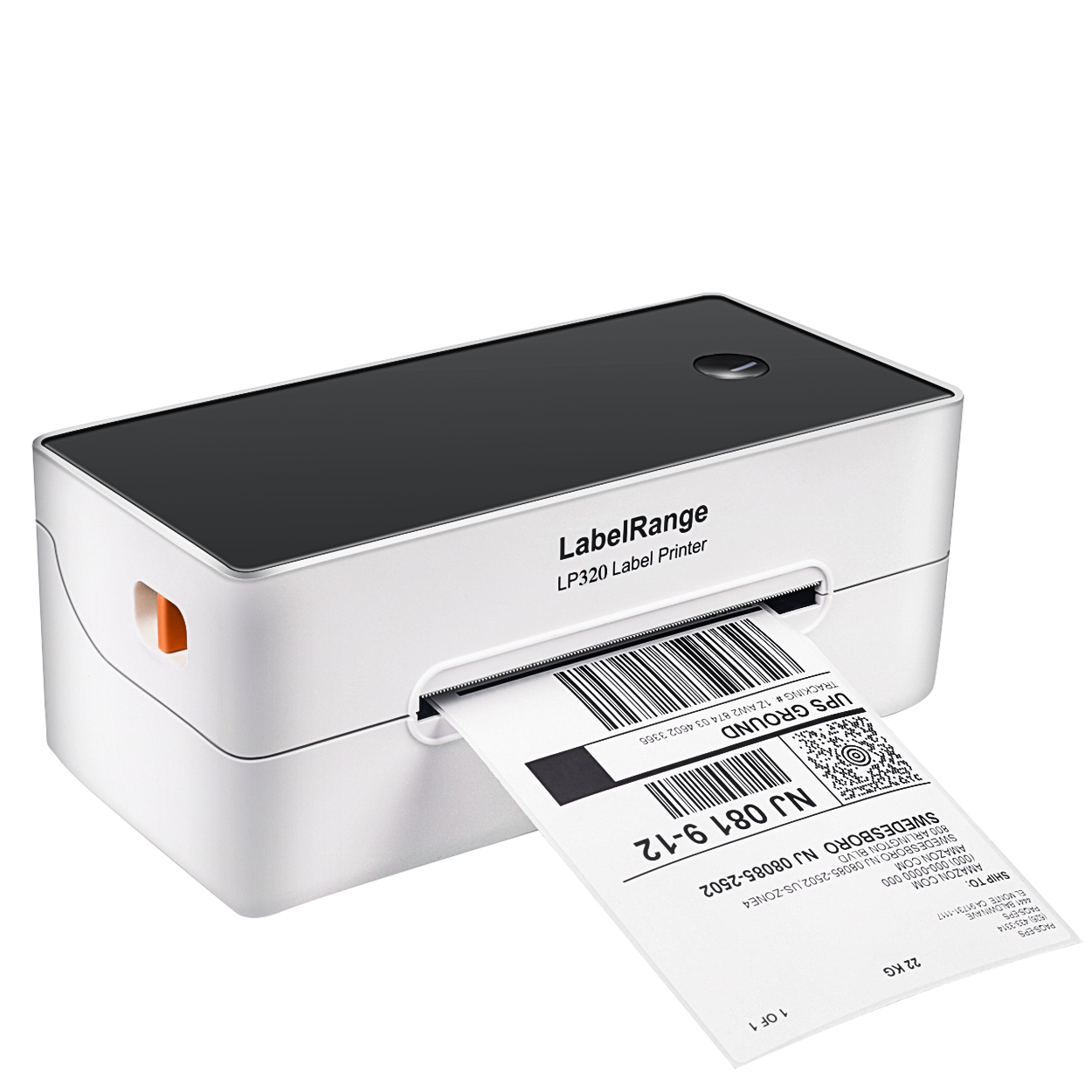 LP320 LABEL PRINTER
 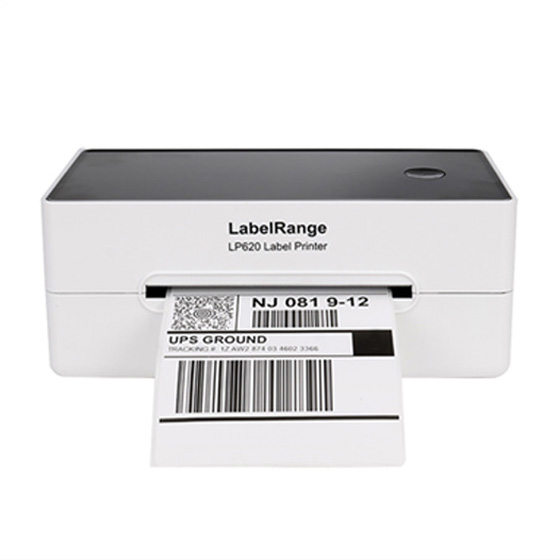 LP620 LABEL PRINTER
 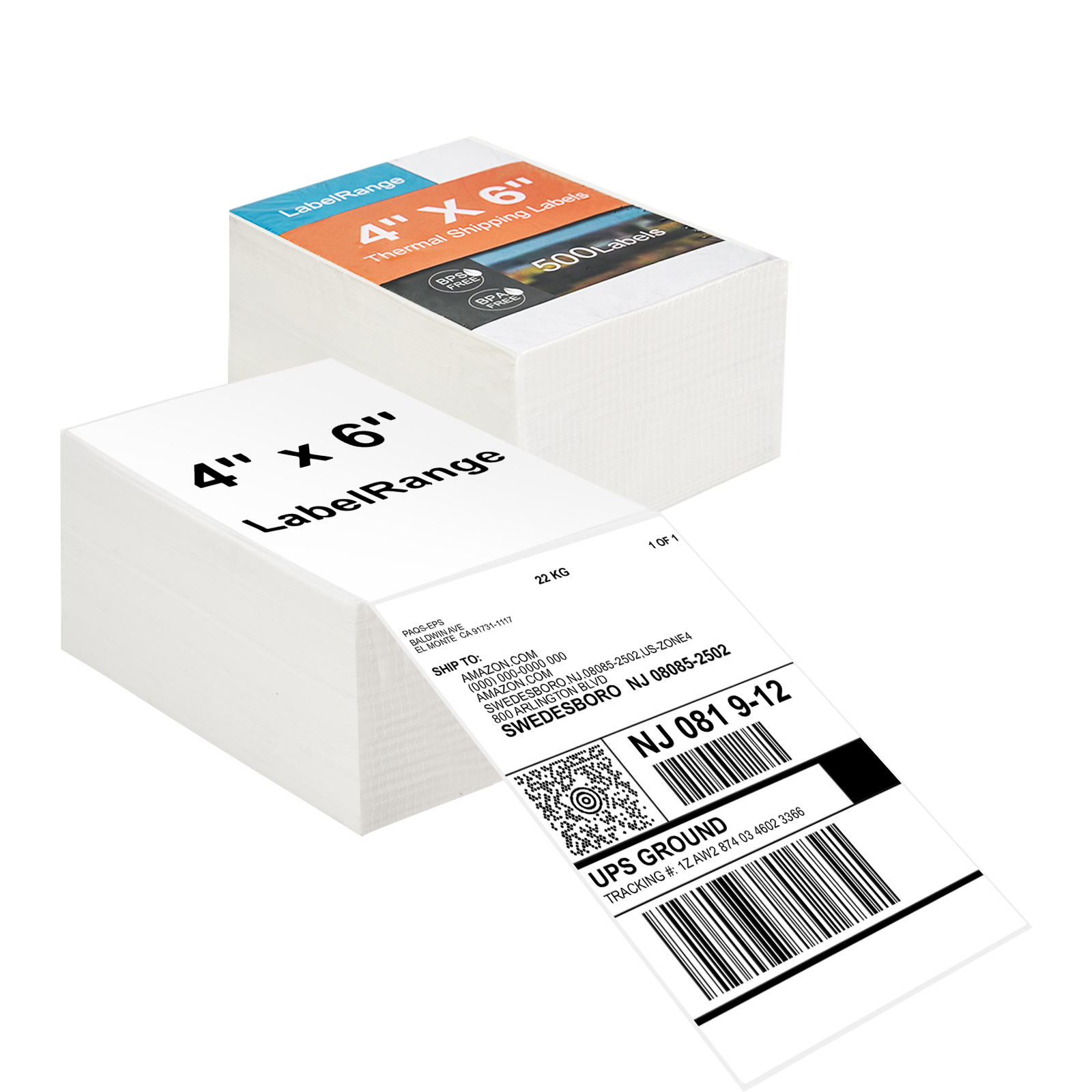 TSL001 4x6 Thermal Labels
  TSL002 4X6 Thermal Label
 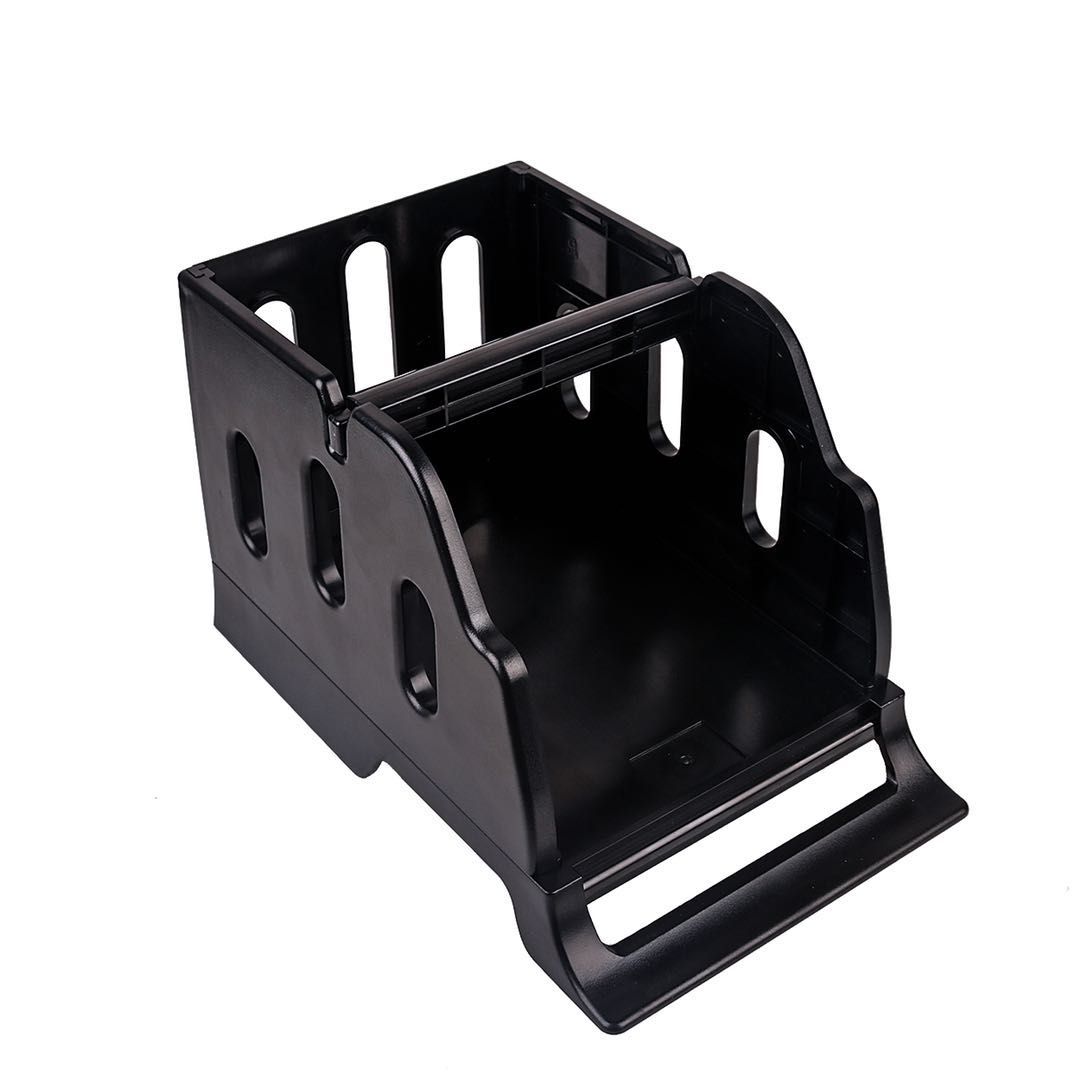 LH001 LABEL HOLDER
 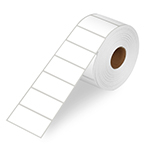 LR21 2X1 Thermal Label
  LR22 2X2 Thermal Label