
For Windows users:
If you are using BT320, BT620 Printer:
First, go to Settings - Printer and scanners - find the BT320 or BT620 Printer, select "Printer Preferences" , and choose "2x1" as the paper size (select this if you are using “2x1" label paper. If you are using 2.25x1.25" label paper, then choose 2.25x1.25"). Click OK.
If you are using RD560 Printer:
First, go to Settings - Printer and scanners - find and click RD560 printer-AD>> click printing preferences>>click Parameters>> select 90° in direction
Next, go to your Amazon FBA Inventory. Select your product, choose "Print item labels," and create the label with a width of 50mm and a height of 25mm, click “Print Item Labels" and the label will be downloaded. Open it to print and select 2x1" as the paper size when printing. It will print perfectly.


Note: If you saved the label instead of printing it online, please find the label file and open it with Adobe Reader to print it; otherwise, it may print incorrectly.

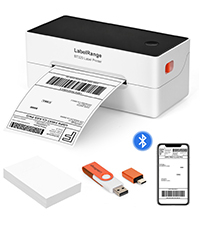 BT320 BLUETOOTH LABEL PRINTER
  BT620 BLUETOOTH LABEL PRINTER
  RD560 BLUETOOTH LABEL PRINTER
 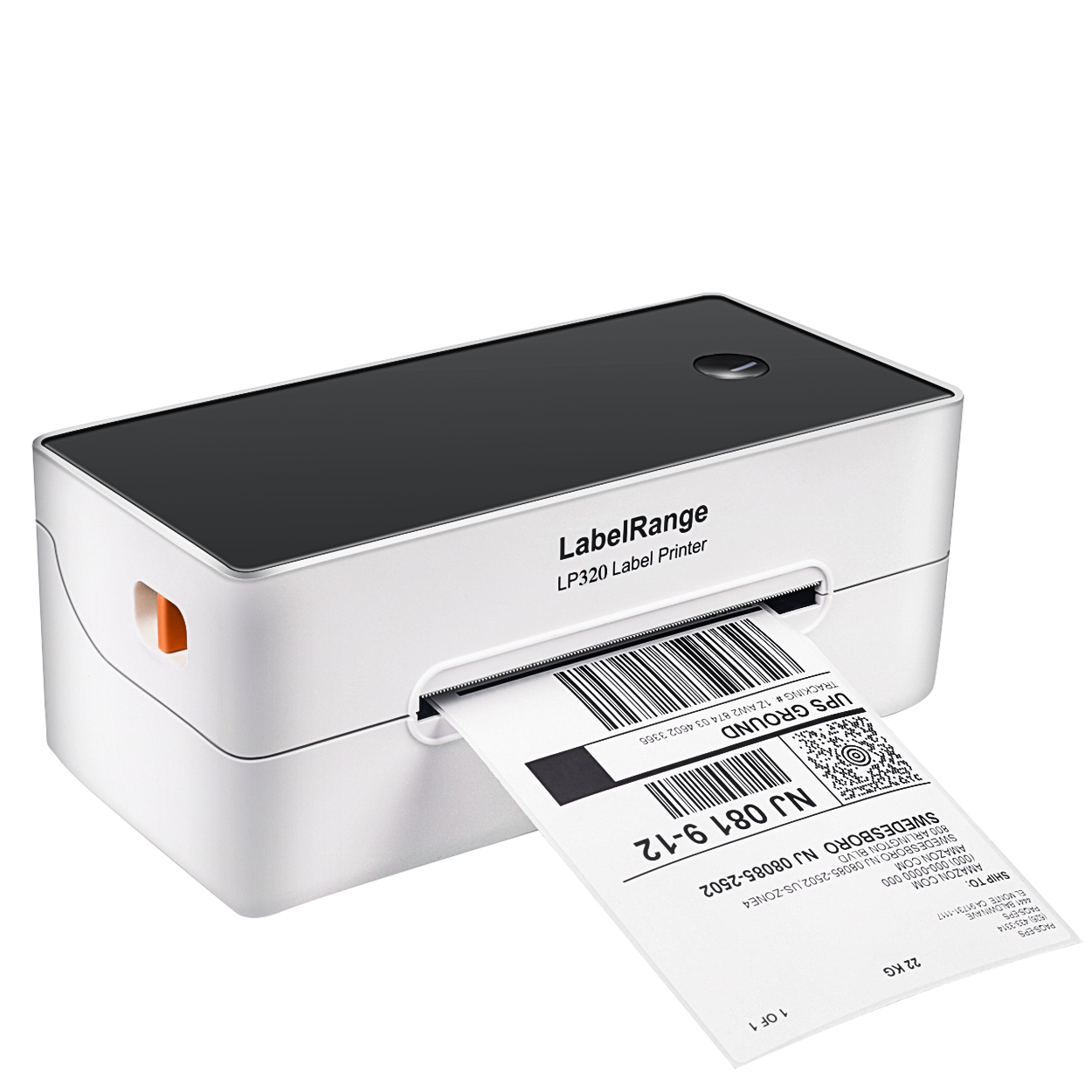 LP320 LABEL PRINTER
 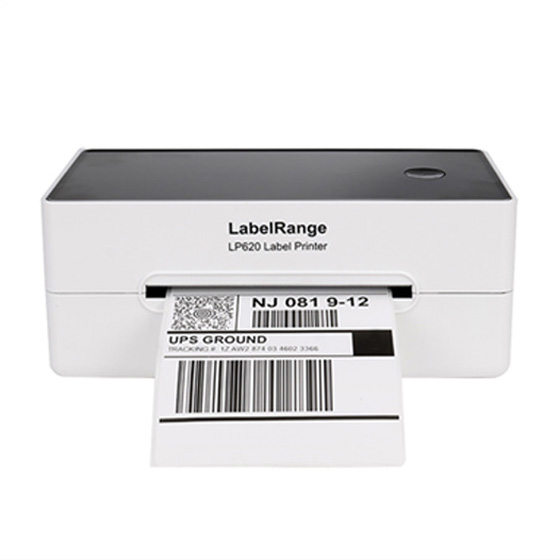 LP620 LABEL PRINTER
 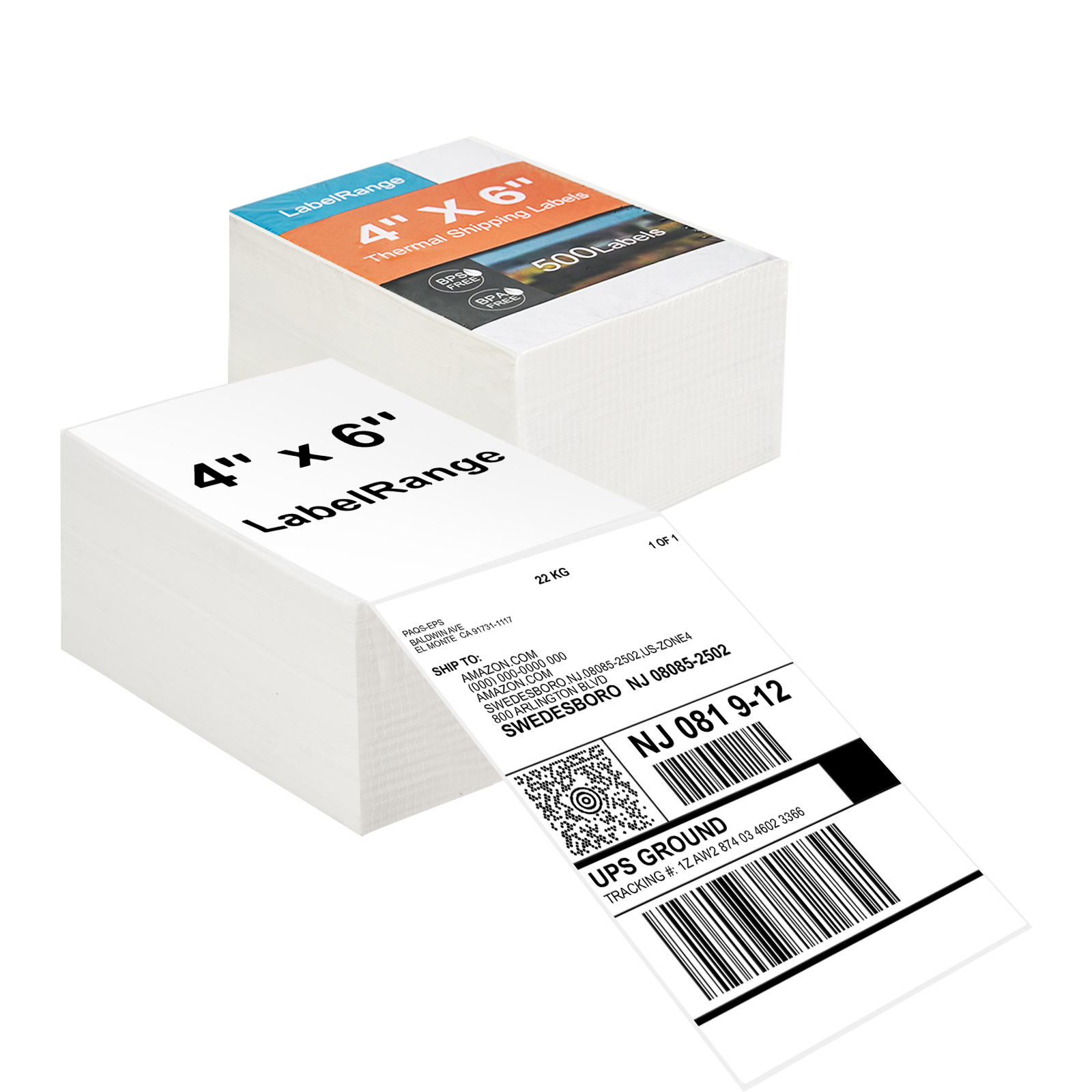 TSL001 4x6 Thermal Labels
  TSL002 4X6 Thermal Label
 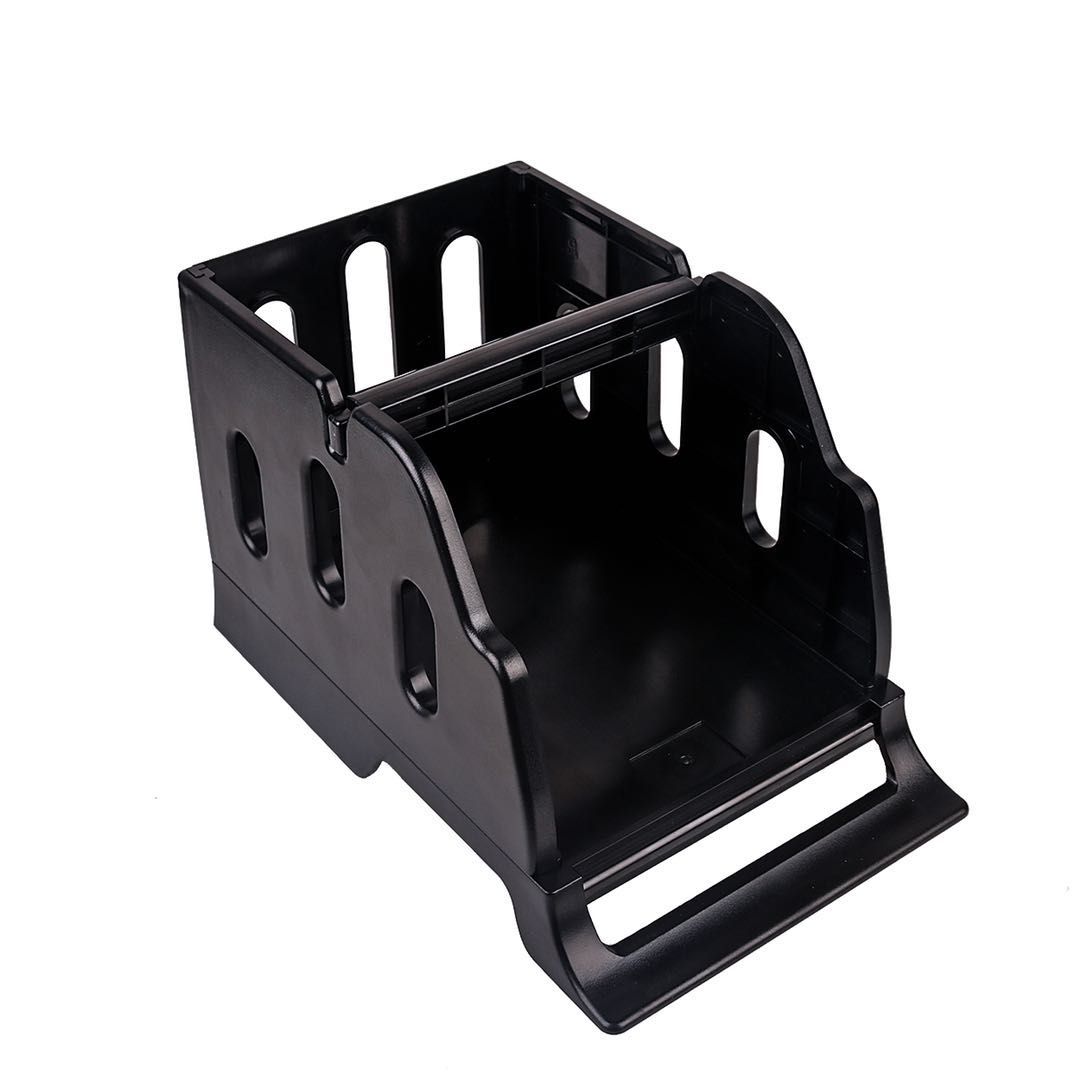 LH001 LABEL HOLDER
 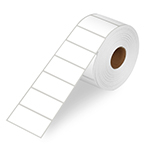 LR21 2X1 Thermal Label
 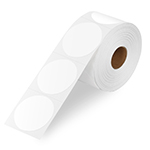 LR22 2X2 Thermal Label