
Windows users can download our LabelDesigner software for custom label editing.
Mobile users can use our 'Rekdom Printer' app for basic editing.
Alternatively, you can use other software like Label LIVE or Canva to edit and print labels with our printer.
Windows users can download the latest version of LabelDesigner from our website. If installation is prevented, disable your computer firewall and antivirus temporarily, and you can re-enable them after the installation.
Note: LabelDesigner is not available for Mac, Linux, or Chromebook users. We apologize for any inconvenience.
Note: The Labelrange printer functions like a regular printer—it will print anything you send to it. Just make sure that the label file's page size matches your actual label paper size. For example, if you're printing on 2x1" labels, you must:
Design the label in 2x1" format
Use 2x1" label paper
Select 2x1" as the paper size when printing
This will ensure your labels print perfectly.

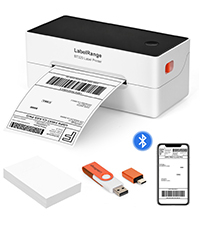 BT320 BLUETOOTH LABEL PRINTER
  BT620 BLUETOOTH LABEL PRINTER
  RD560 BLUETOOTH LABEL PRINTER
 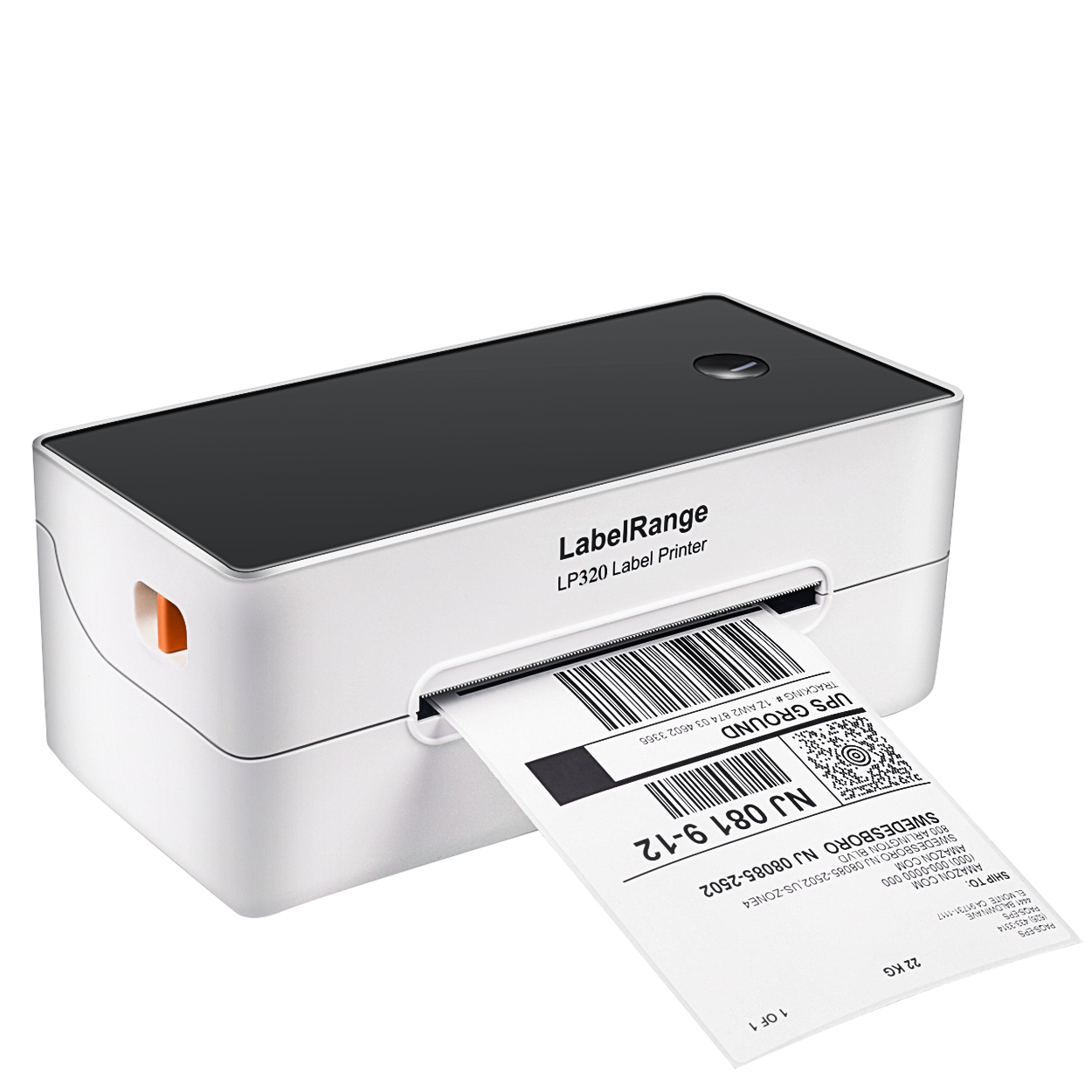 LP320 LABEL PRINTER
 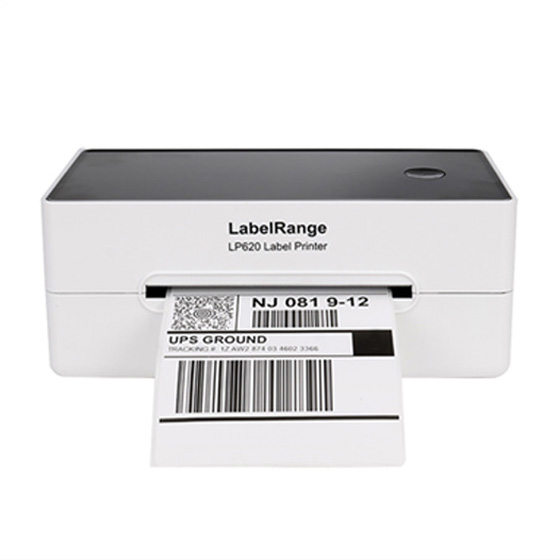 LP620 LABEL PRINTER
 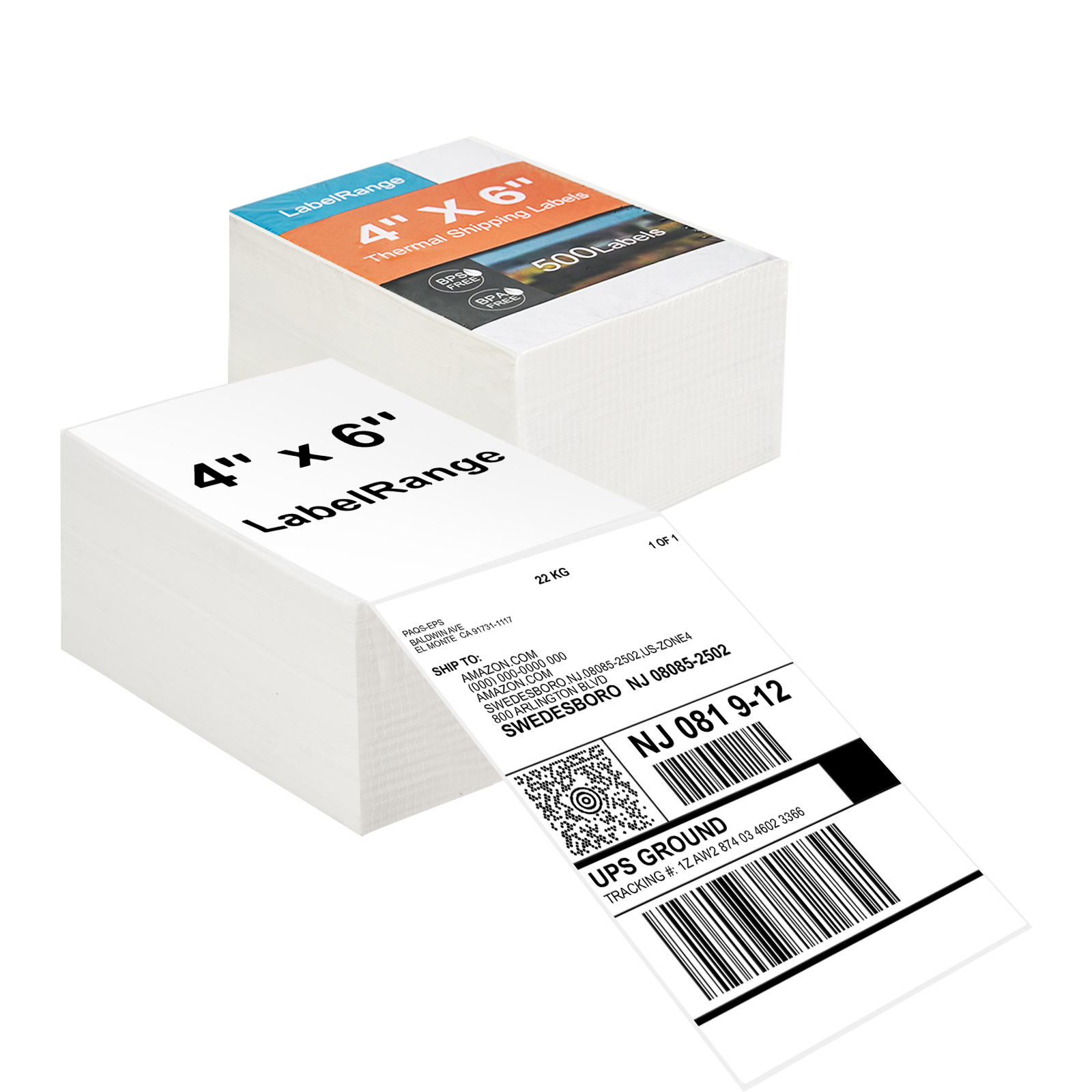 TSL001 4x6 Thermal Labels
  TSL002 4X6 Thermal Label
 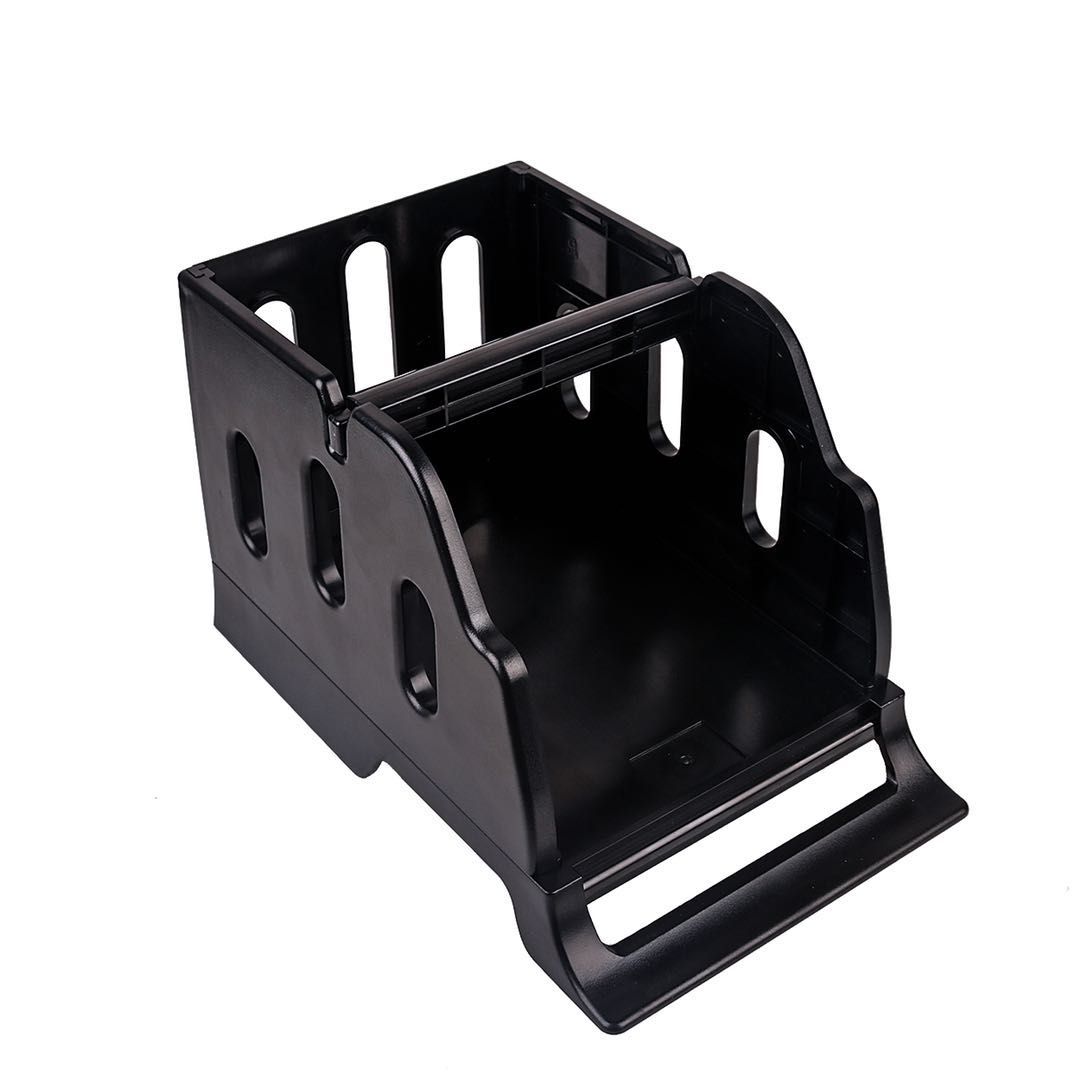 LH001 LABEL HOLDER
 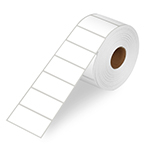 LR21 2X1 Thermal Label
 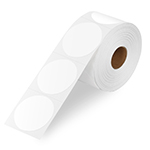 LR22 2X2 Thermal Label