
On Windows 10:
Go to "LP320 printer"/"BT320 printer"/"BT620 printer"/"LP620 printer"/ -> Manage -> Printer Properties -> click “Print Test Page”. If you can print it, it means the driver software was installed correctly.
On Windows 11:
Go to "LP320 printer"/"BT320 printer"/"BT620 printer" /"LP620 printer"/-> click “Print Test Page”. If you can print it, it means the driver software was installed correctly.
On Mac:
You can print a 4x6'' sample label from our website. If you can print it, it means the driver software was installed correctly.

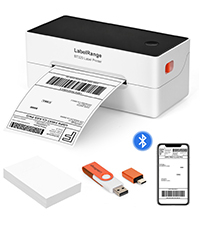 BT320 BLUETOOTH LABEL PRINTER
  BT620 BLUETOOTH LABEL PRINTER
  RD560 BLUETOOTH LABEL PRINTER
 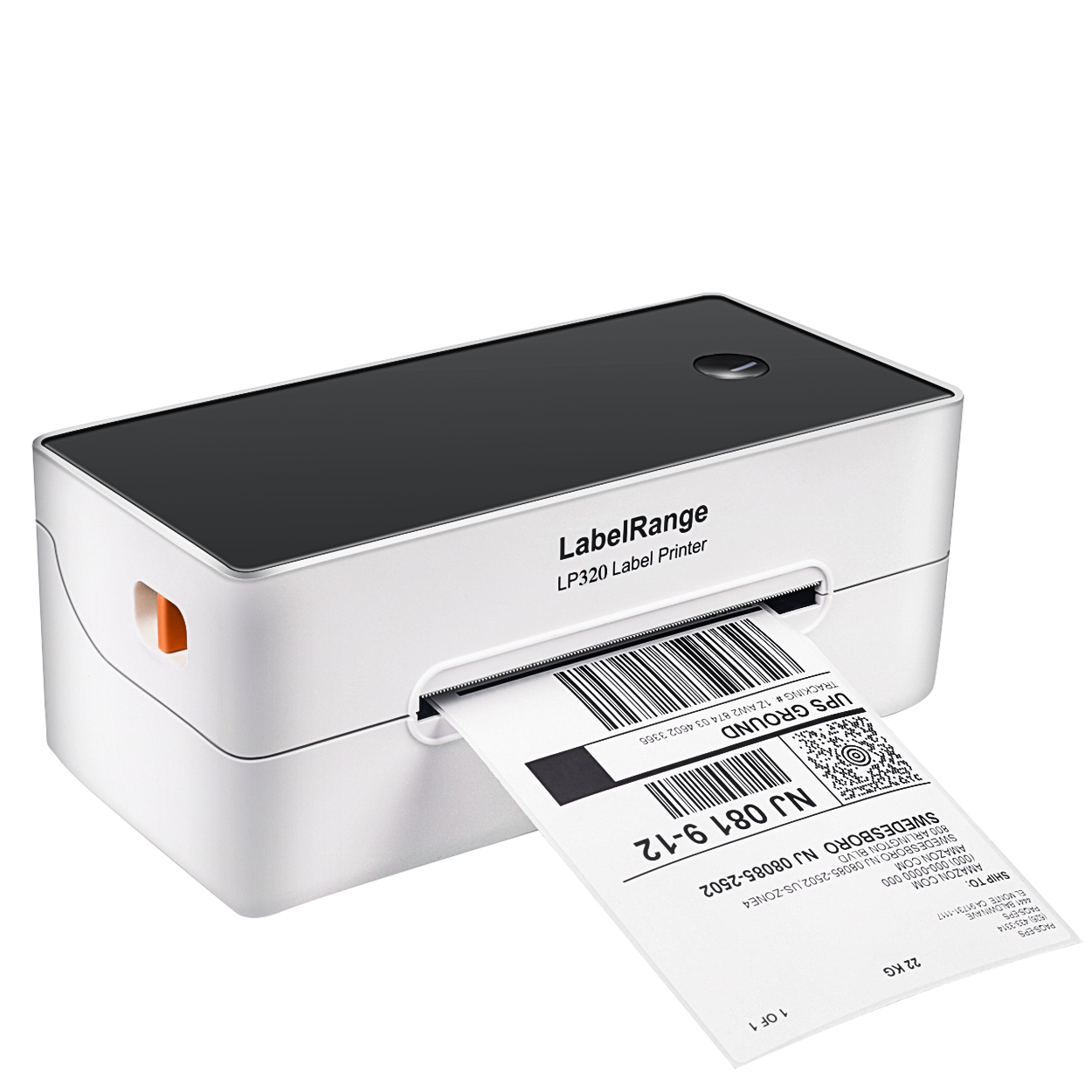 LP320 LABEL PRINTER
 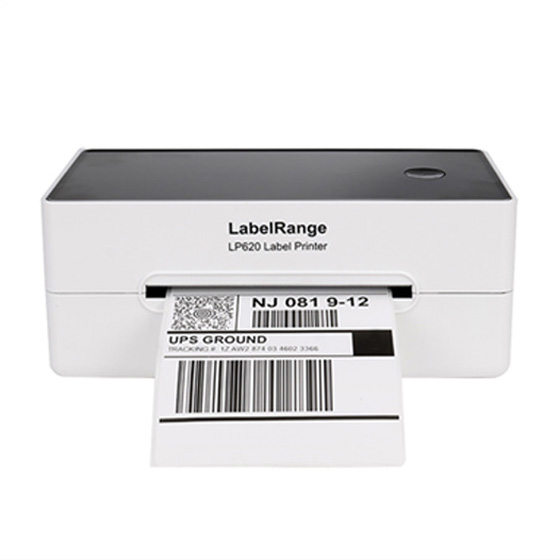 LP620 LABEL PRINTER
 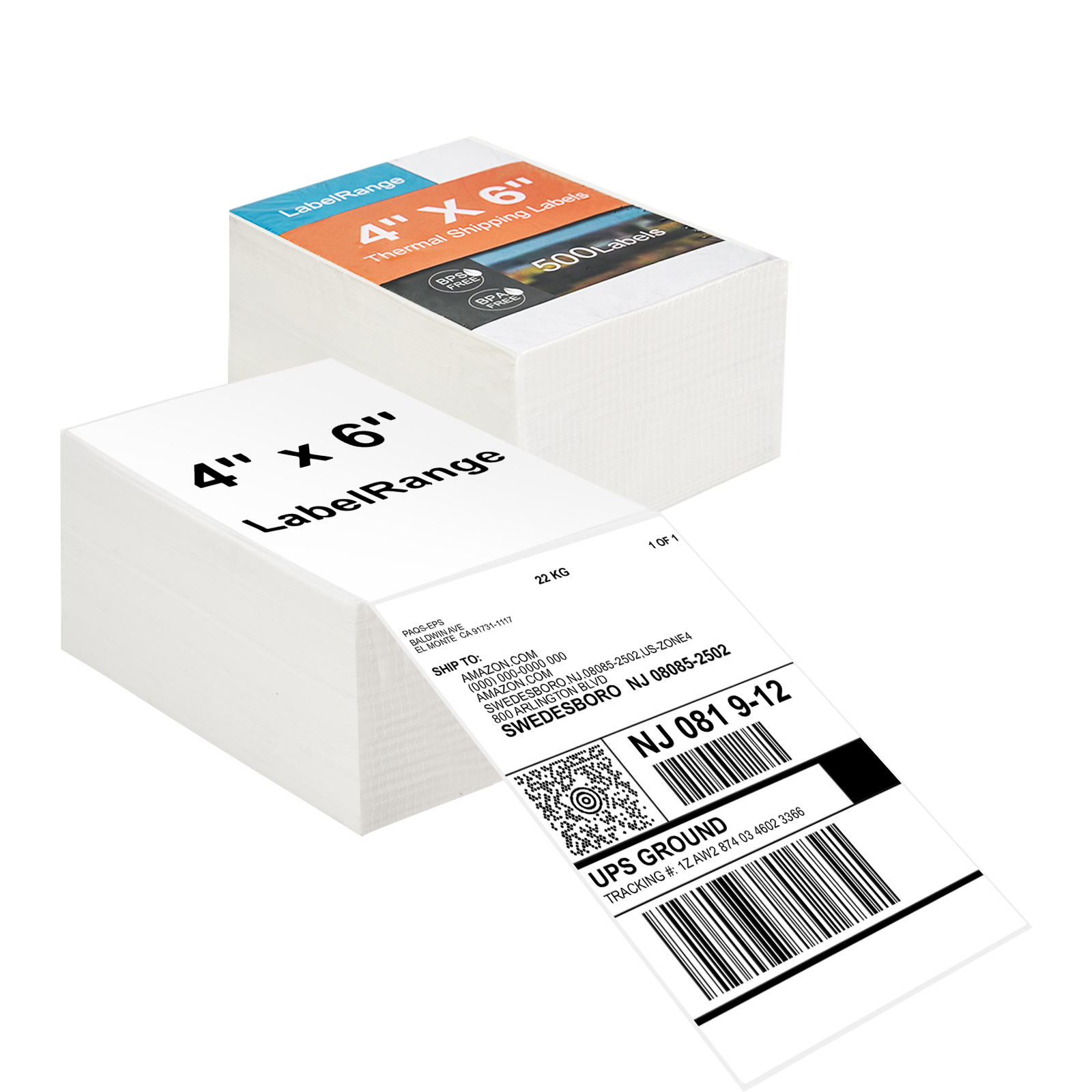 TSL001 4x6 Thermal Labels
  TSL002 4X6 Thermal Label
 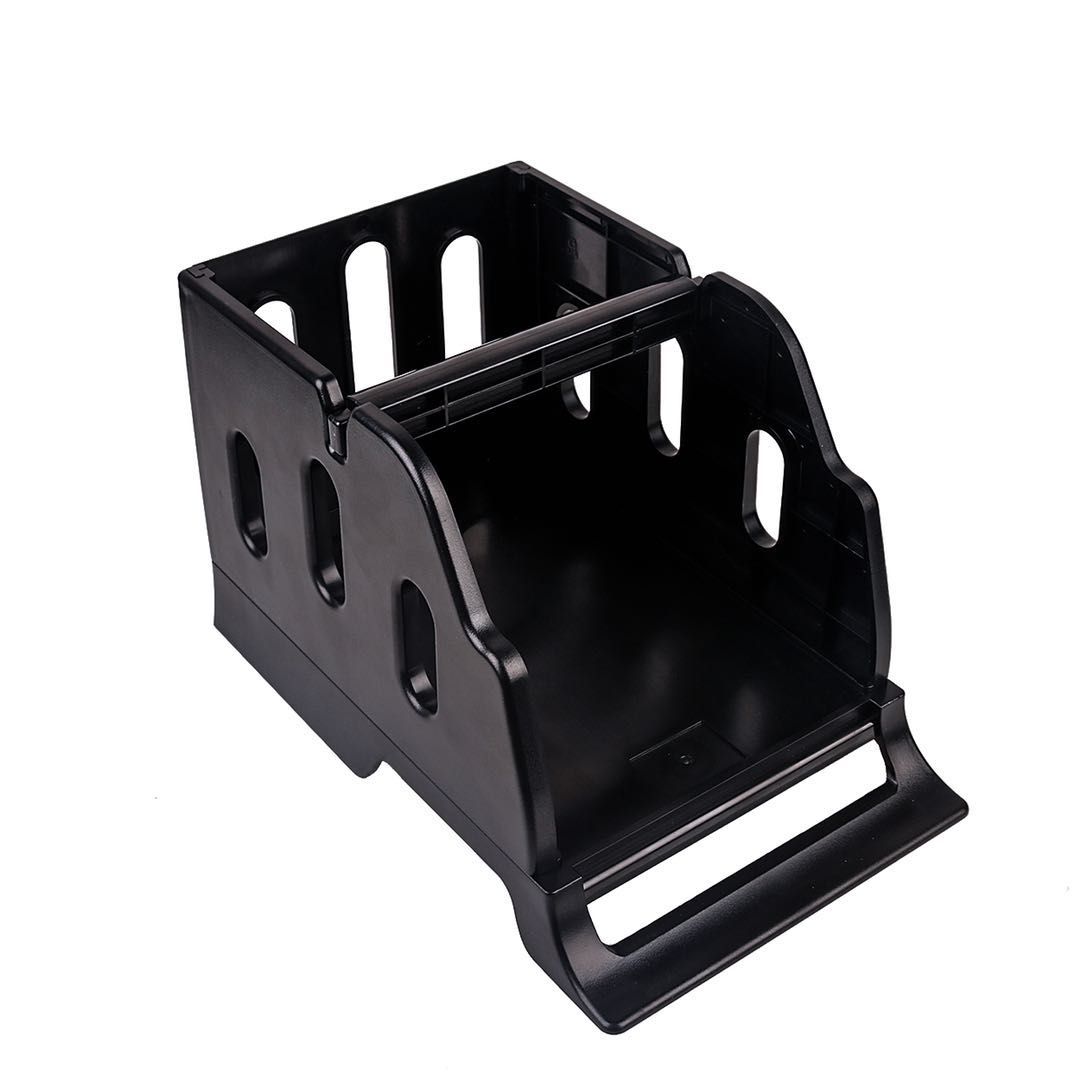 LH001 LABEL HOLDER
 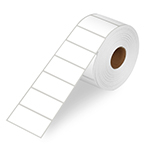 LR21 2X1 Thermal Label
 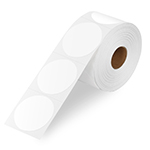 LR22 2X2 Thermal Label